Have you ever wanted to dive deeper into your reading habits, understand your preferences, and visualize your progress in a beautifully organized manner? If so, you’re in the right place!
As an enthusiastic reader myself, I’ve always found joy in keeping track of the books I’ve read, the genres I’ve explored, and the time I’ve dedicated to each literary adventure. But let’s be honest, sometimes it can be overwhelming to manage all this information without the right tools.
That’s why I’m excited to share with you a comprehensive reading spreadsheet designed to revolutionize the way you track your reading journey. This spreadsheet isn’t just about logging titles and authors; it’s a dynamic tool that transforms your reading data into insightful graphs and charts, allowing you to glean valuable insights about your reading habits.
I’ll walk you through the process of using this spreadsheet effectively, from inputting your reading data to analyzing the trends that emerge. Whether you’re a seasoned bibliophile or just beginning your literary adventures, this spreadsheet will empower you to take control of your reading experience and embark on a journey of self-discovery through literature.
Dashboard
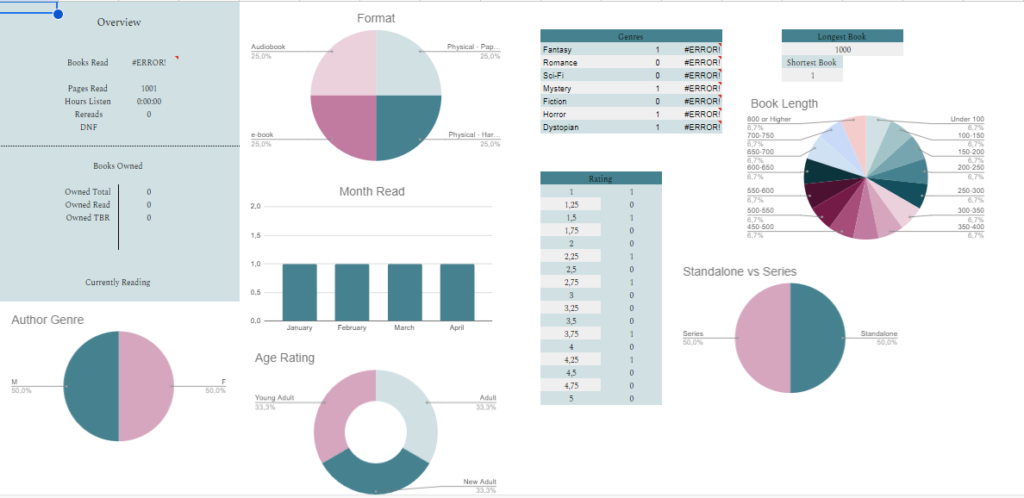
The first tab in this spreadsheet is the dashboard. It shows all the graphs charts and tables to summarize your data. You don’t have to input any data here. It should automatically update as you put data in different tabs. When You first open the spreadsheet the charts will not be visible but they will appear as you add more data.
Read

In this tab, you record all the books you read. If you want you can delete some columns or add as you need. In this tab, you can put data like:
- Title
- Author
- Is the book standalone or part of the series
- If the book is part of the series, put the series name
- Number of the book in the series
- Genre
- Sub Genre
- Age Rating
- Star Rating
- Year of Publication
- Format you read the book
- Pages in the book
- Book-length
- If audiobook, hours listen
- The date you finished the book
- Month Read
- If it was a re-read
- Did you cry
- Tropes of the book
- Your thoughts about the book
Series Tracker

In this tab, you can track the series you read. Here you can put the name of the series, author and how many books are in the series. In columns C-U just adjust the squares to the number of books in the series. As you read the books you can check off the squares. You can also check if the series is finished and if you want to continue with the series. On the sides, you can see a table with all the information summarized. The table will be updated automatically.
DNF
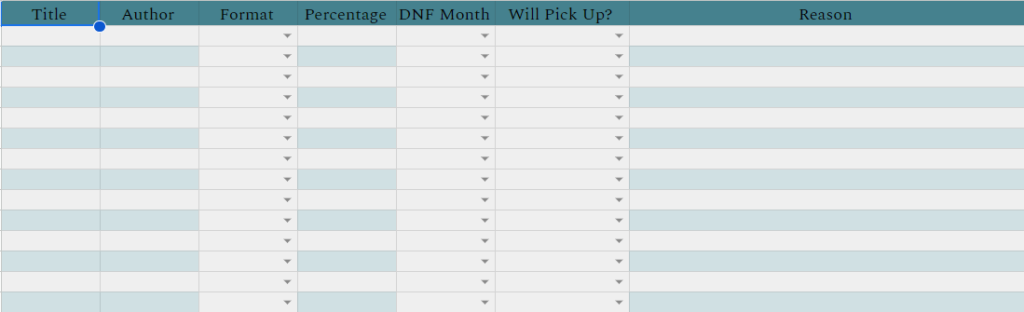
In this tab, you can track books you gave up on or Did Not Finish. You can put a percentage of the book you read, the month you gave up on the book, whether will you pick up this book again, and the reason why you stopped this book.
Releases
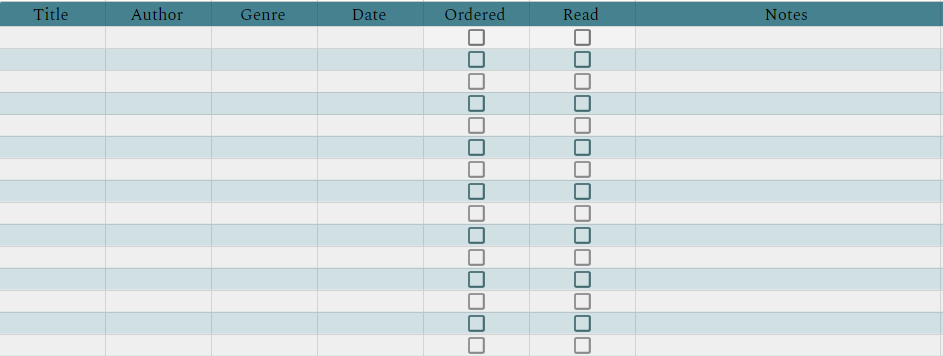
In release tab you can track the books that will be released this year. You can put the date it will be released. if you ordered the book, if you read it and notes regarding pushing back the release, or maybe track your order.
TBR
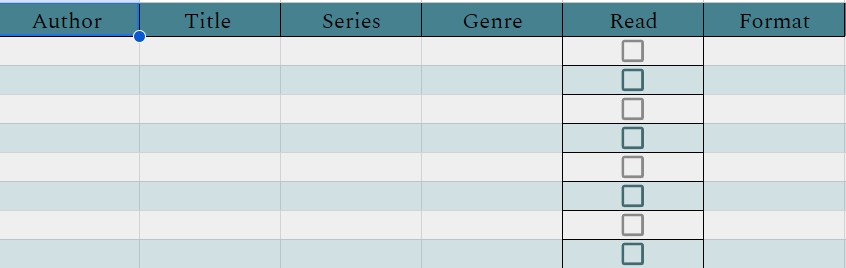
In this last tab you can track your TBR or To Be Read books. It is your choice if you want to track books that you own or all the books that fought your eye and you want to read them.
The Button above will take you to the spreadsheet. Make a copy of the document and save it to your account. Let me know if there are any bugs or anything I can add to make this spreadsheet even better.